How to Use and Maintain IQOS ILUMA: Charging and Care
IQOS ILUMA is different from older blade-heated IQOS devices. The heating element is built into the compatible SMARTCORE stick, while the holder uses induction. That changes both compatibility and maintenance: TEREA sticks are used with ILUMA, and routine cleaning inside the heating chamber is not required.
The exact controls, charging arrangement, and light patterns vary between ILUMA One, ILUMA, ILUMA Prime, and newer ILUMA i models. Use this guide as an overview and follow the manual supplied with your exact device.
Key points before you start
- Use only compatible TEREA or other manufacturer-approved SMARTCORE sticks.
- Do not use HEETS in an ILUMA device.
- Do not insert TEREA into an older blade-heated IQOS holder.
- TEREA sticks are single-use.
- Do not open, cut, or disassemble a TEREA stick.
- ILUMA does not require the internal blade-cleaning routine used by older IQOS generations.
- Do not insert cleaning tools or liquids into the heating chamber.
- Use the charging equipment specified for your model.
For the compatibility background, read HEETS vs TEREA.
Confirm your IQOS ILUMA model
The ILUMA family includes different physical formats:
- ILUMA One combines the holder and battery in one device.
- ILUMA Standard uses a separate holder and pocket charger.
- ILUMA Prime also uses a holder and pocket charger with a different exterior design.
- ILUMA i models add newer controls and features.
Button behavior, charge indicators, and available functions can differ. Identify the model name on the device or packaging before following reset or charging instructions.
You can compare the current IQOS ILUMA device collection, including IQOS ILUMA One, IQOS ILUMA Standard, and IQOS ILUMA Prime.
Use only compatible TEREA sticks
Official IQOS guidance states that ILUMA is designed for compatible SMARTCORE sticks. TEREA contains an internal metal element that works with the device’s induction system.
Insert the stick in the orientation shown on the pack and manual, generally up to the printed line on the filter. Do not force it. If the stick does not enter normally, remove it and confirm that it is the correct format.
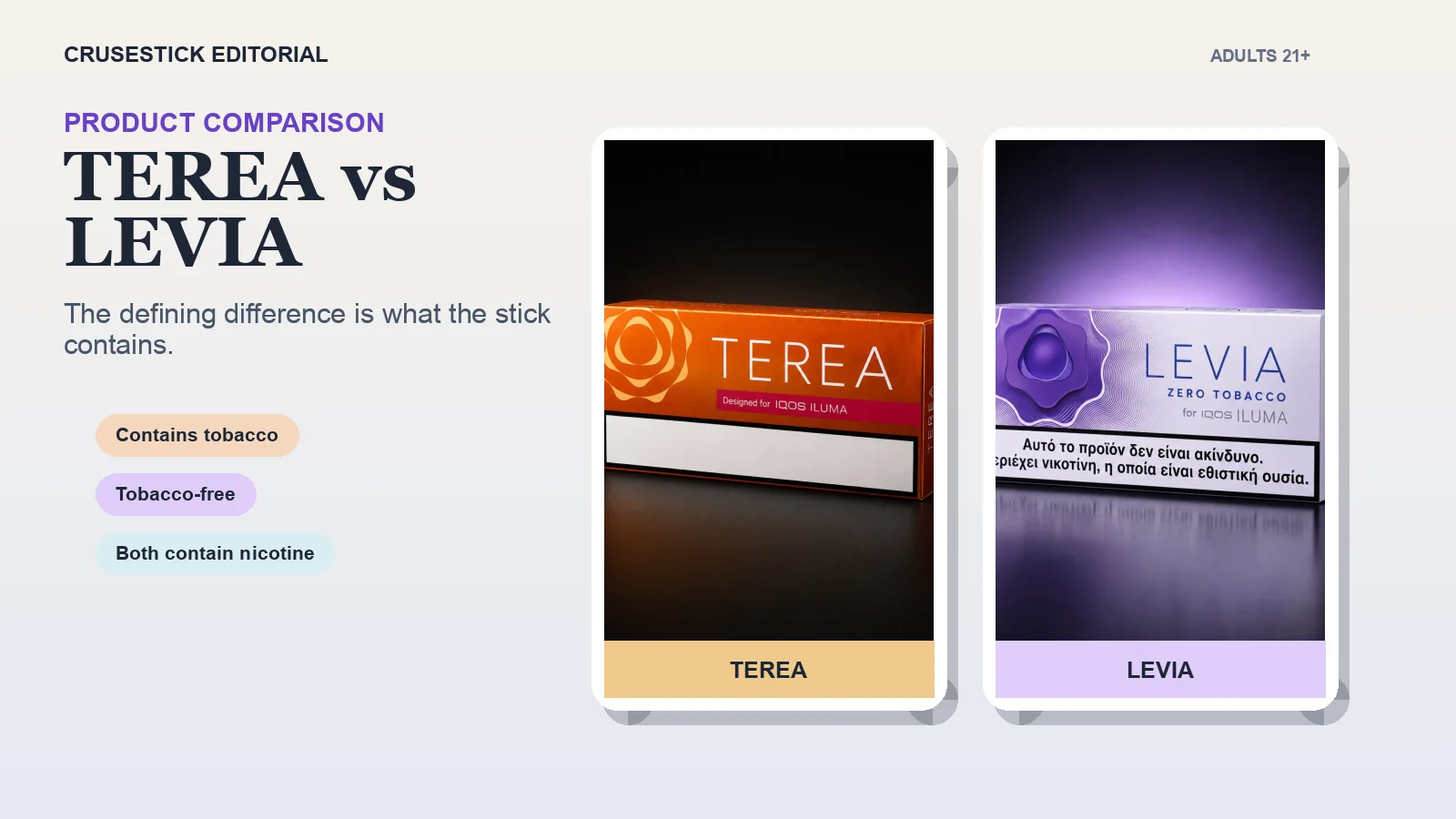
TEREA is not compatible with older IQOS devices that use a heating blade. HEETS is not compatible with ILUMA. Mixing the formats can prevent operation and may damage equipment or the stick.
Basic ILUMA session flow
For a typical ILUMA holder model:
- Make sure the holder has enough charge.
- Insert a compatible TEREA stick to the line shown on the filter.
- The holder may start preheating automatically; some models or settings also allow a button-controlled start.
- Wait for the ready vibration and steady status light described in the manual.
- Use the device until its end-of-session vibration or light signal.
- Pull the used stick straight out.
- Dispose of it according to local requirements.
- Return a separate holder to its pocket charger when charging is needed.
ILUMA One and ILUMA i controls may differ. Follow the manual rather than assuming that every ILUMA model uses the same buttons or gestures.
The official IQOS ILUMA support guide provides model-specific instructions and current indicator explanations.
Charging IQOS ILUMA
Charge the device with the compatible cable and power adapter specified by the manufacturer. A first full charge and later charge times depend on the model, charger, battery state, and temperature.
Avoid applying one charging-time number to every ILUMA device. Pocket-charger models and all-in-one models do not have identical battery arrangements.
Useful charging habits include:
- Check the official status lights for your model.
- Connect the charger directly and allow time for a deeply discharged device to respond.
- Keep the charging port dry and free of debris.
- Do not use a damaged cable, connector, or adapter.
- Charge within the operating conditions stated in the manual.
- Stop using or charging a device that is damaged, unusually hot, sparking, or producing smoke, and follow official support instructions.
Do not pry at charging contacts or add liquid to clean them.
Does IQOS ILUMA need cleaning?
Official IQOS guidance says ILUMA does not require routine internal cleaning between uses. TEREA is sealed at both ends, and the device has no exposed heating blade collecting tobacco residue in the same way as earlier IQOS models.
This is the most important correction to older cleaning advice: do not put a blade-cleaning tool, brush, swab, or liquid into the ILUMA heating chamber.
For ordinary care:
- Keep the exterior dry.
- Wipe external surfaces with a soft, dry cloth when needed.
- Keep the charging port and pocket charger free of visible debris.
- Remove a used stick after the session.
- Store the device closed or protected from dust.
- Follow official instructions if a stick breaks or becomes stuck.
Do not open, modify, disassemble, or attempt to repair the holder or charger. The official user guide states that the device has no user-serviceable internal parts.
If a TEREA stick breaks or becomes stuck
Do not dig into the chamber with metal tools, tweezers, pins, or improvised objects. Do not pour water or alcohol into the holder.
Turn the device off if the manual instructs you to do so and use the official support procedure for your model. If the broken material cannot be removed using the manufacturer-approved method, contact IQOS support or a qualified service channel.
Prevention is simpler: insert the correct stick without force, pull it out straight after use, and do not use visibly crushed or bent sticks.
Storage and everyday care
Keep the device and sticks in a clean, dry location away from excessive heat, cold, and moisture. Do not leave the device in a parked car or next to a heater.
Protect the holder from drops and avoid carrying it loose with keys or objects that can enter the chamber or charging port. If the device has been exposed to moisture or physical damage, follow the manufacturer’s support guidance before using it again.
Keep TEREA sticks in their original retail pack and away from children and pets. The internal metal element makes disassembly or ingestion especially dangerous.
Troubleshooting without guesswork
When ILUMA does not behave normally, start with the model-specific manual.
No lights
The battery may be discharged. Connect the approved charger and allow the response time stated in the manual.
Yellow or amber indication
This commonly relates to charge state, but light patterns vary. Check the guide for your exact model before resetting anything.
Stick does not start
Confirm that it is a compatible TEREA/SMARTCORE stick, inserted in the correct orientation and to the indicated line.
Repeated red or error lights
Use the official reset sequence for your model. Reset instructions differ, so do not copy a button combination from another ILUMA version.
Physical damage or overheating
Stop using the device and contact official support. Do not attempt an internal repair.
Frequently asked questions
How often should I clean inside IQOS ILUMA?
Routine internal cleaning is not required. Do not insert cleaning tools or liquids into the chamber. Follow official support instructions if material becomes stuck.
Can I use HEETS in IQOS ILUMA?
No. IQOS ILUMA is designed for compatible TEREA/SMARTCORE sticks. HEETS is for older blade-heated devices.
Can I reuse a TEREA stick?
No. TEREA sticks are single-use.
Why do charging instructions differ online?
The ILUMA family includes multiple models with different battery arrangements and controls. Use the guide for the exact device you own.
The correct maintenance approach
Use compatible TEREA sticks, charge with the equipment specified for your model, keep the exterior and charging areas dry, and do not perform the internal cleaning routine used for older blade devices.
CruseStick sells sealed retail TEREA and IQOS ILUMA devices with tracked US shipping for adults 21+. CruseStick is an independent retailer and is not an authorized IQOS distributor.
Related Articles
Related on CruseStick
Categories you might like
Ready to Try TEREA?
Browse our selection of authentic IQOS TEREA sticks. Fast shipping across the USA with competitive prices.
Shop Now